Your AI creates.
You make it yours.
Claude + Codex control. 4K exports. 3D screen motion.

 CLI + MCP
Make a 4K product walkthrough.
 4K3D motion

Record your screen, edit video and export in 4K. Create written guides and review recordings with your team.

Claude + Codex control. 4K exports. 3D screen motion.
CLI + MCPMake a 4K product walkthrough.
4K3D motionShare videos. Get feedback. See video views.
12 views · 3 comments
Can we zoom in here?
Alex replied: Updated ✓Zoom, Google Meet and Teams through your connected assistant.
 Meeting recording
DECISION
Launch on Friday.
ACTION ITEMS
Finish captions
Review the final cut
Connect AI tools. Clone your voice. Keep your files.
Your voice1 Open the workspace
2 Show the product
3 Share with the team
Record your screen, camera and voice. Or import a video.

Trim, zoom, add captions, and apply your brand.
Create a step-by-step guide from your recording.

Download your video or share it with a link.

Cover sensitive details and control access.

Replace a step without starting over.


Use your connected AI tools inside Record Wow.
Give your team one place to watch, discuss and review your work.
 Team access
Transcript · Notes · Action items
Publish the launch video on Friday.
Finish captions before Thursday.
Review the final cut before publishing.
Connect a meeting assistant for Zoom, Google Meet and Microsoft Teams. Keep the recording, transcript and editable notes together.
Meeting attendance requires a connected provider and host permission. You can also import a transcript to create draft notes.
Open meeting notes


Free for life. No subscription. No credit card.
Meeting assistants, AI generation, avatars and voice cloning require connected services. Their usage charges may apply.
Screen recording, editing and guide exports. Completely free.
| Product | Free offering | Video exports on free plan | Paid option |
|---|---|---|---|
 Record Wow | Completely free | 1080p + 4K MP4 downloads | $0No subscription |
Loom | 25 videos, up to 5 minutes each | Paid plan required for downloads | $18 / user / monthBusiness |
Screen Studio | Paid subscription | Paid plan required | $9 / month$108 billed yearly |
Camtasia Editor | Free editor with watermarked exports | Free exports include a watermark | $179.88 / yearEssentials |
Descript | 1 media hour per month | 720p exports | $16 / person / monthHobbyist, billed yearly |
 | 25 how-to videos | Paid plan required for MP4 | $19 / creator / monthPro, billed yearly |
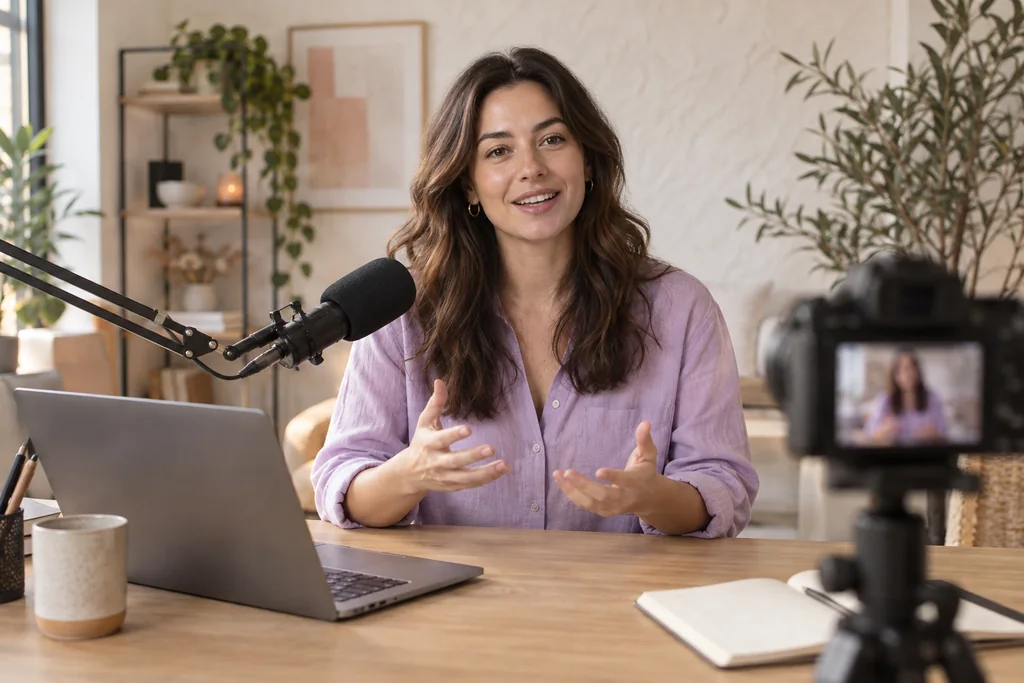
Content strategy and publishing schedules.
Video editing, short clips and social posts.
Publishing, account management and reporting.


















Views generated
Sold for clients
Clients
Every piece of content has somewhere to lead.
Short-form videos, carousels, hooks and content strategy that earn reach.
Comment keywords, lead magnets and ManyChat automation that give viewers a next step.
Email capture, audience segments and nurture flows that build lasting connections.
Offers, trials, communities and booked calls that turn interest into action.
Tracking, reporting, retargeting and monthly conversion improvements.
Help you launch and sell offers for your personal or company brand.
Strategy, creation and distribution across your social channels.
Connect discovery, lead capture and purchase.
Google and Meta campaigns, plus email that nurtures and converts.
Shopify, landing pages, conversion optimization and SEO.
Build your identity and develop brand partnerships.
Consulting, attribution and decisions grounded in your results.
One team across content, campaigns and conversion.
Open the Record Wow listing in the Chrome Web Store, choose Add to Chrome and confirm Add extension. Pin Record Wow to your toolbar.
Open the studio, create a free account and verify your email. If you already have an account, sign in with your existing method. Open the studio
Yes. Our Creator Program brings together content planning, video editing and social media management. Join us on Slack to discuss your brand, goals and the support you need.
Yes. Record Wow is completely free. Storage and processing limits are shown in your workspace.
Yes. Import MP4, MOV, M4V, WebM, PNG or JPEG files, including phone recordings.
Yes. Create editable steps with source-linked screenshots and export the guide as HTML or Markdown. Review the instructions to make sure they explain the actions accurately.
Export an MP4 or written guide, share an approved revision, or embed an unrestricted player. Shared links offer password, expiry and revocation controls. Protected links cannot be embedded.
Yes. Replace a selected step, keep the previous source and review the affected video, written guide and dependent variants before publishing the update.




Can we explain this step a little more?
Sam replied: Updated. Take another look.