Keep the good parts
Trim, split and reorder the steps in your recording.

Keep the useful moments. Cut the distractions. Turn a screen recording into a polished video and a guide that stays in sync.
Free for life. No subscription.Make it yoursPreview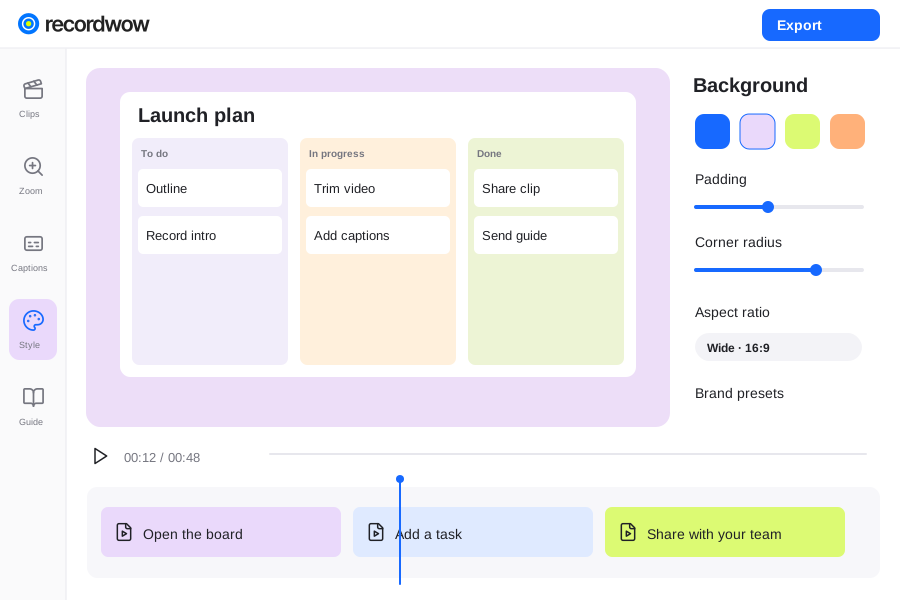
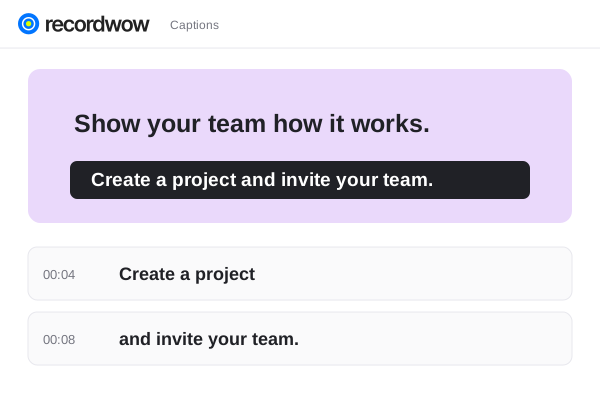
A focused editing workspace for walkthroughs, demos and team videos. From the first trim to the final 4K export.
Trim, split and reorder the steps in your recording.
Adjust the background, framing and brand colors.
Add tilt, rotation and 3D motion to the recording.
Refine your recording one step at a time. Remove an unwanted section, adjust the order and review the finished sequence.
Make it yoursPreviewUse titles, arrows and highlights to draw attention. Shape the recording with backgrounds, padding and screen motion.
Design reviewPreviewLet’s give the headline more space.
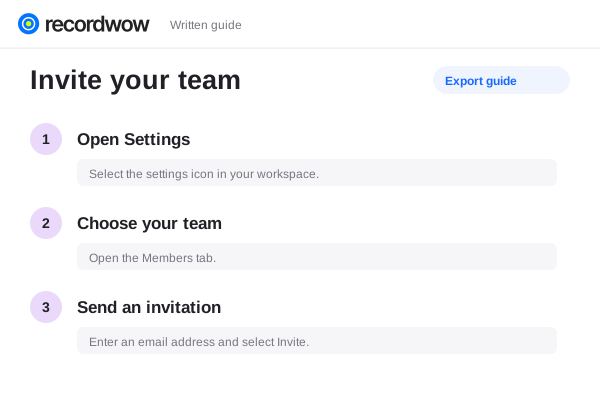
Timestamped feedbackKeep the source and written instructions together. Swap the part that changed, review the guide and publish an updated version.
The steps, kept togetherPreviewYes. Import a supported video and work with it in the same project editor.
Yes. Video exports support 1080p and 4K. A higher export resolution does not add detail missing from your source.
It tilts and rotates the recording plane with depth. It is a presentation effect for your screen recording, rather than a general 3D modeling tool.
The editor supports undo, saved versions and retained source files. Review the result before publishing an updated share.