Present the real work
Record your design tool, prototype or browser.

Explain the choices behind your work. Walk through the design, collect focused feedback and help the team see what you see.
Free for life. No subscription.Design reviewPreviewLet’s give the headline more space.
Timestamped feedbackShare the reasoning that a static file can leave out. Give reviewers a clear tour before they weigh in.
Record your design tool, prototype or browser.
Keep comments connected to the relevant timestamp.
Reuse walkthroughs for handoffs and onboarding.
Take the team from the first idea to the detail that makes it work. Record the design on your screen and add your own explanation.
Design reviewPreviewLet’s give the headline more space.
Timestamped feedbackBring reviewers to the exact moment they want to discuss. Reply in the thread and resolve feedback once you have addressed it.
Shared with your teamTeam access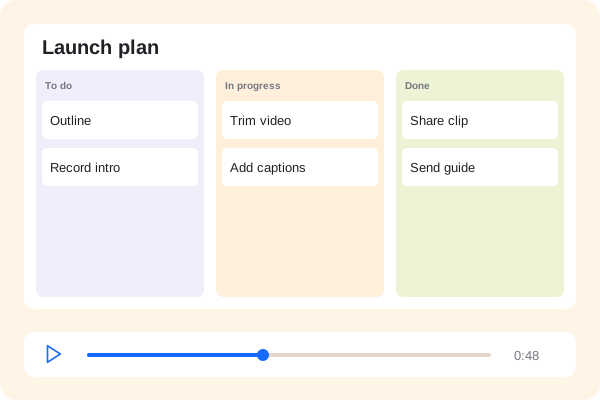 Product walkthrough00:48
Give the next person a walkthrough and a written guide. Document a pattern, explain a component or introduce the design system.
The steps, kept togetherPreview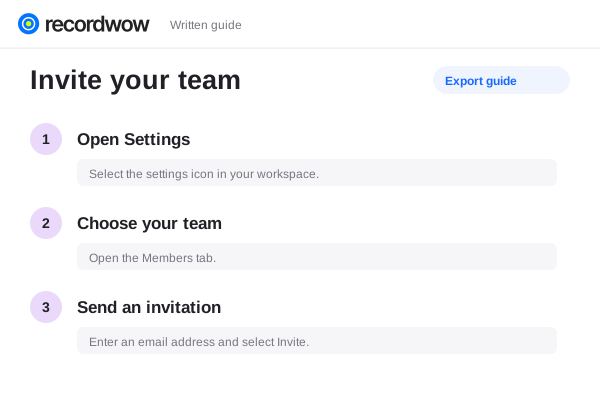
Choose the browser tab, window or screen containing your design tool. Recordwow records the screen rather than requiring a design-tool plugin.
Reviewers can leave timestamped comments on the recording. Add callouts in the editor to highlight the part you want to discuss.
Use selected-recipient access, a password or an expiring share link. You can revoke access later.