Show how things work before they get stuck.
New teammate walkthroughs.

Help new teammates and customers understand the workflow. Give them a clear recording, useful instructions and a place to ask questions.
Free for life. No subscription.A clearer answerPreviewOpen Share, choose your teammates and send the link.
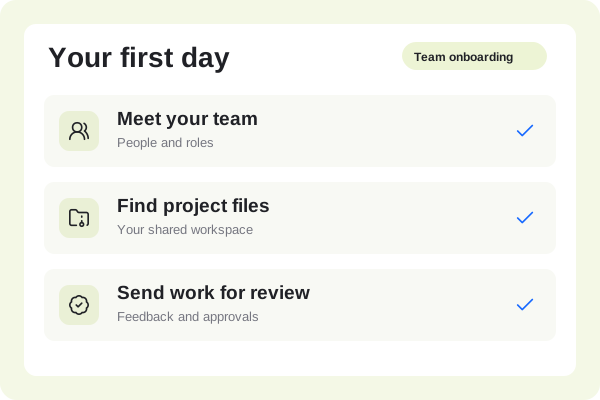 Share with your team00:48
Help new teammates and customers understand the workflow. Give them a clear recording, useful instructions and a place to ask questions.
New teammate walkthroughs.
Video and written instructions.
Timestamped questions.
Record the everyday tasks a new person needs to understand. Explain the purpose of each step, not just where to click.
A clearer answerPreviewOpen Share, choose your teammates and send the link.
Share with your team00:48Export the written steps alongside the video. Keep a project you can update when the product or process changes.
The steps, kept togetherPreview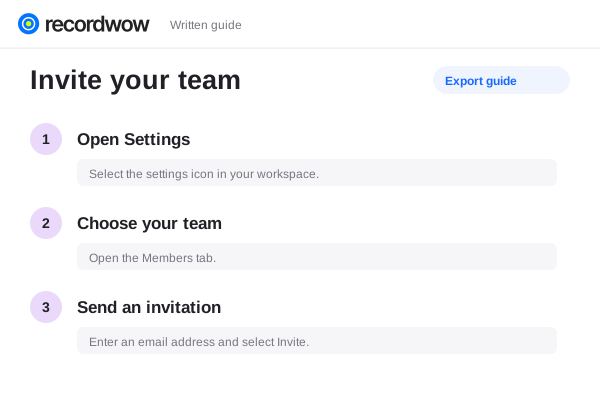
Enable discussion on the shared walkthrough. Reply at the moment that needs clarification and improve the guide for the next person.
Shared with your teamTeam access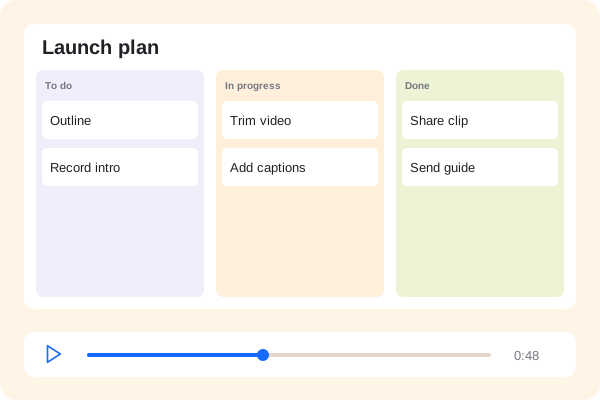 Product walkthrough00:48
Yes. Create separate projects and share each with the appropriate recipients.
Replace or edit the relevant step, review the video and guide, then publish the updated version.
Shared videos provide views, plays and completions. Counts are session-based rather than verified individual attendance.