Show the work. Talk through the thinking.
Screen and microphone recording.

Record a lesson, explain the difficult part and leave students with steps they can revisit. Put your voice, screen and written instructions together.
Free for life. No subscription.The steps, kept togetherPreview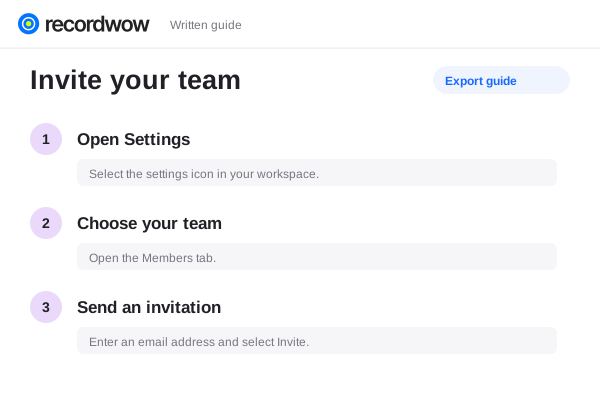
Record a lesson, explain the difficult part and leave students with steps they can revisit. Put your voice, screen and written instructions together.
Screen and microphone recording.
Written step instructions.
Timestamped comments.
Record a presentation, a worked example or an application on your screen. Explain each stage while the student can see it.
Ready when you arePreview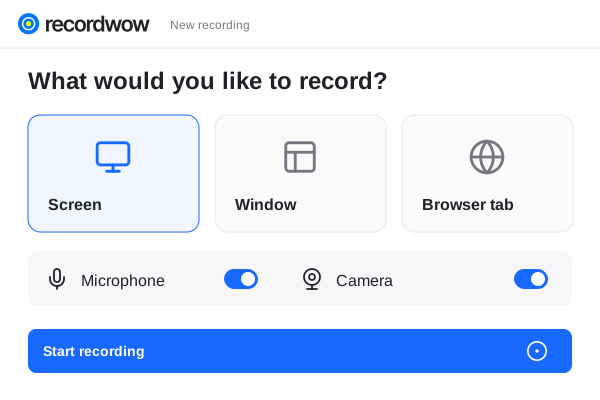 Product walkthroughProject presentationYour complete workspace
Pair a recorded demonstration with a written guide. Let students review the explanation in the format that helps them.
The steps, kept togetherPreviewLet permitted viewers leave a question at the relevant point in the recording. Reply with the context they need.
Shared with your teamTeam access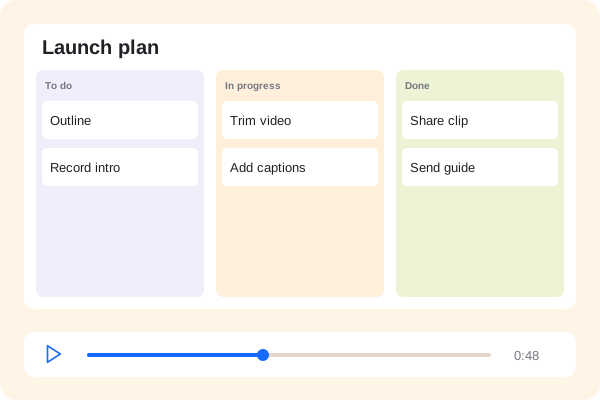 Product walkthrough00:48
Yes. Share the recording so permitted viewers can watch and revisit it when they need to.
Download the video and guide for your platform. Recordwow also provides SCORM 1.2 export; check compatibility with your specific LMS.
No. It helps you record explanations and prepare supporting material. Use your existing tools for live classes.