Make it personal
Use your camera and voice to explain the solution.

Turn “how do I?” into a clear next step. Send a personal walkthrough and a written guide your customer can follow at their own pace.
Free for life. No subscription.A clearer answerPreviewOpen Share, choose your teammates and send the link.
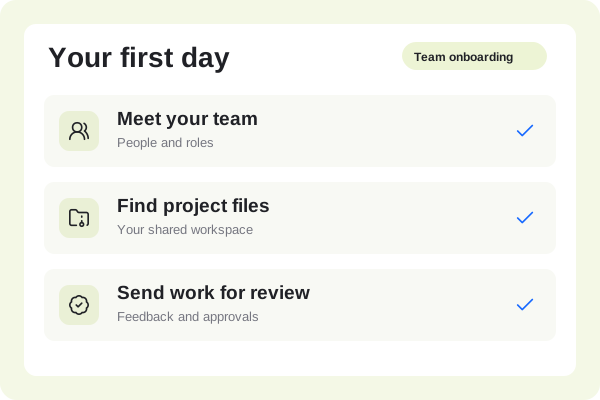 Share with your team00:48
A short explanation can make a difficult workflow feel manageable. Keep useful answers ready for the next person.
Use your camera and voice to explain the solution.
Pair the recording with written instructions.
Update a changed step without rebuilding the guide.
Record the real workflow and explain each action. Let the customer replay the part they need instead of working through a long email.
A clearer answerPreviewOpen Share, choose your teammates and send the link.
Share with your team00:48Turn common questions into reusable guides. Retain the original project so your team can update the answer as the product changes.
The steps, kept togetherPreview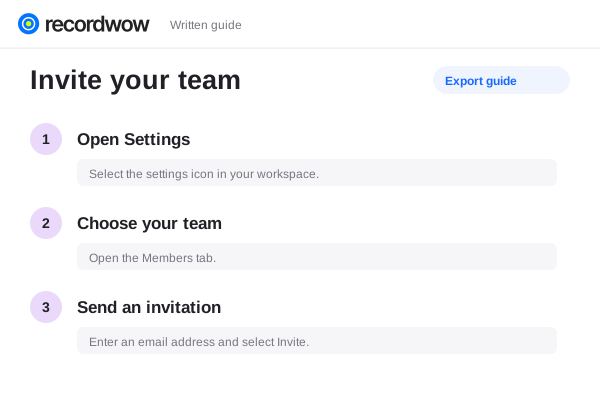
Choose how the recording is shared. Review customer details before export and use access controls when the content is meant for a specific audience.
Share on your termsPreviewCopy the shared video link into your existing ticket or email. Native helpdesk integration is not required.
Enable discussion on a shared video so permitted viewers can respond at a timestamp.
Use visual masks and review the exported result. Masks do not remove information from retained originals, narration or written text.