A proposal with a real explanation.
Screen and camera walkthroughs.

Send a walkthrough of the work instead of another long message. Explain your proposal, present a draft and make the handoff easy to follow.
Free for life. No subscription.A more personal follow-upExampleHere’s how the workflow we discussed could look.
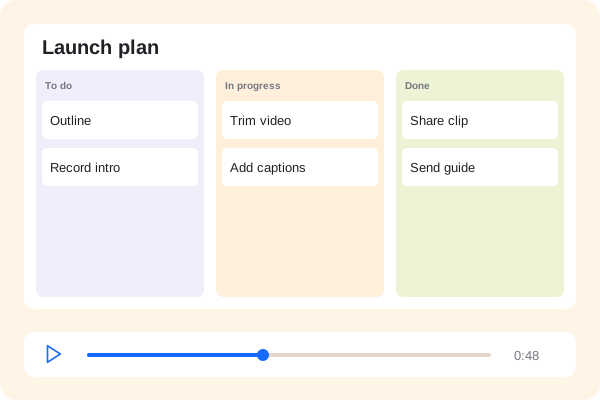 Your product walkthrough00:48
Example activity for a shared video.
Send a walkthrough of the work instead of another long message. Explain your proposal, present a draft and make the handoff easy to follow.
Screen and camera walkthroughs.
Timestamped comments.
Client training videos.
Walk through the client’s problem and your approach. Share a focused video alongside your proposal so the thinking is easy to understand.
A more personal follow-upExampleHere’s how the workflow we discussed could look.
Your product walkthrough00:48Example activity for a shared video.
Give the client a specific place to respond. Use comments and replies to work through the draft and resolve feedback.
Shared with your teamTeam accessProduct walkthrough00:48Record how the finished work operates and export a written guide. Give your client instructions they can return to after the project ends.
The steps, kept togetherPreview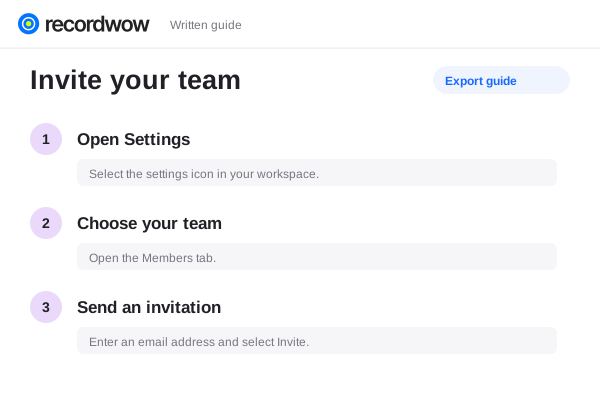
Copy the share link into your message, subject to that platform’s rules. You can also send a downloaded MP4 where supported.
Use a password, expiry or selected-recipient access. Review the sharing settings before sending the link.
Recordwow is free for life. Optional connected AI services may have their own usage charges.