Choose your view
Record a browser tab, a window or your screen.

Turn your screen, camera and voice into a clear walkthrough. Record a demo, explain an idea or help someone take the next step.
Free for life. No subscription.Ready when you arePreview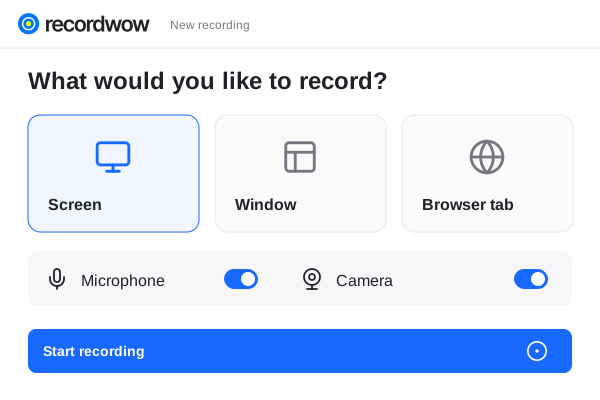 Product walkthroughProject presentationYour complete workspace
One workflow for recording, editing, written guides and sharing. Free for life.
Record a browser tab, a window or your screen.
Add your camera and microphone to the walkthrough.
Share a video link or download your finished work.
Walk through the real workflow while you explain it. Choose your source, check your microphone and record at your own pace.
Ready when you arePreviewProduct walkthroughProject presentationYour complete workspaceTrim the opening, focus on the important step and add captions. Give the recording a consistent look before it reaches your audience.
Make it yoursPreview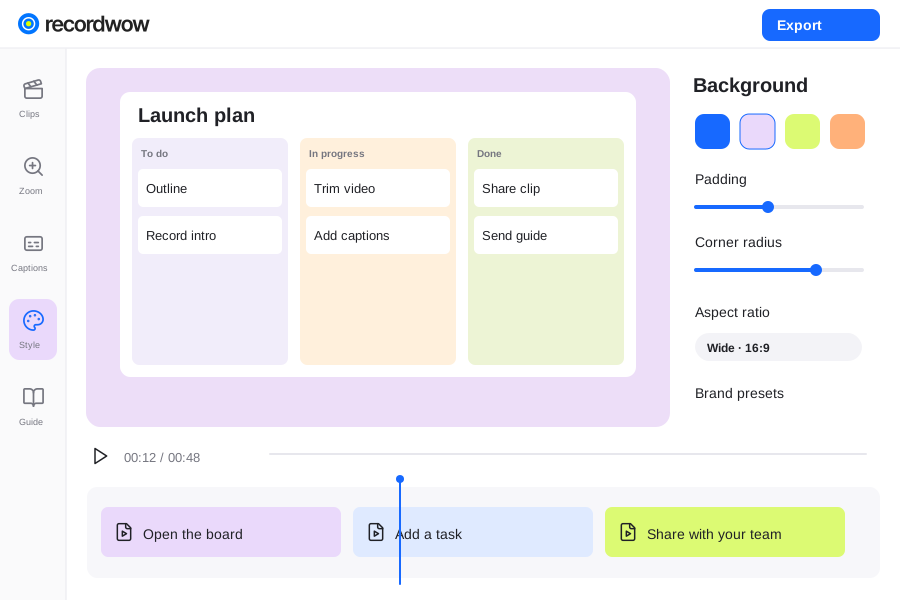
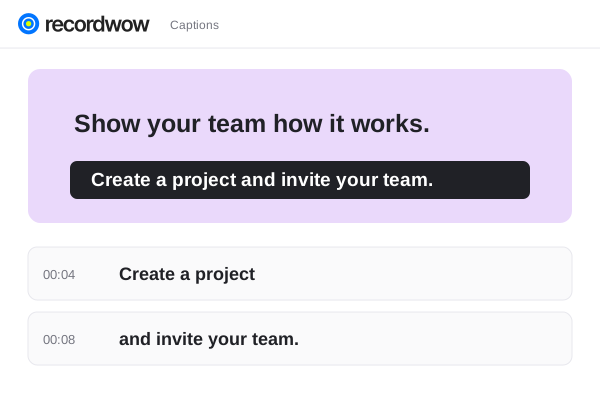
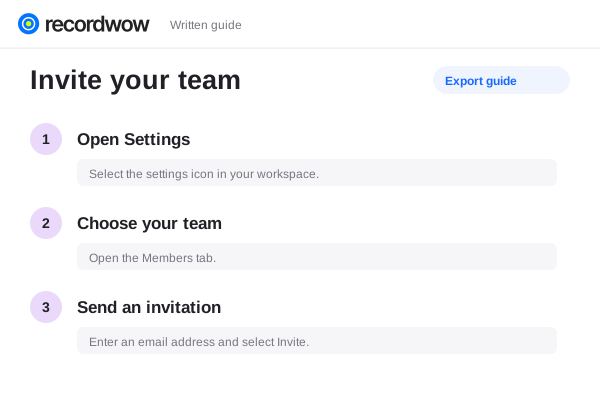
Give teammates a place to watch and respond. Timestamped comments keep feedback connected to the moment that needs attention.
Shared with your teamTeam access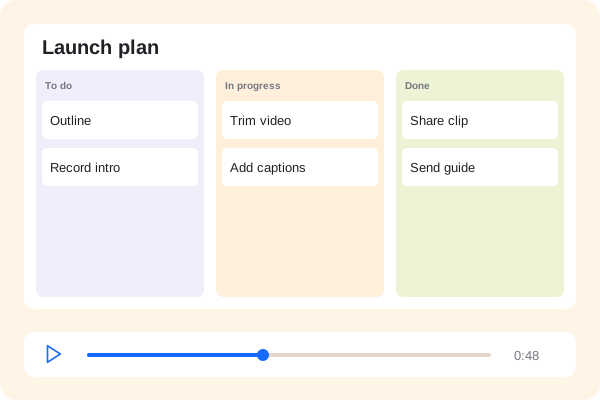 Product walkthrough00:48
No. The web recorder works on its own. The Chrome companion adds a launcher, screenshots and optional cursor metadata.
Download and unzip the extension package. Open chrome://extensions in Chrome, enable Developer mode, choose Load unpacked and select the capture-extension folder. It is a manual installation, not a Chrome Web Store listing.
Tab and system audio availability depends on your browser, operating system and selected source. Check the available audio options before recording.
Yes. Choose a 4K MP4 export. The amount of detail in the output depends on the resolution of your original recording.