Capture the page
Save a visible screenshot or a full-page capture.

Capture what is on your screen and bring it into your walkthrough. Show the exact detail that a paragraph would struggle to explain.
Free for life. No subscription.One clear screenshotExampleUse the Chrome companion for visible-page and full-page captures, or take a frame from your recording.
Save a visible screenshot or a full-page capture.
Import PNG and JPEG images into your walkthrough.
Keep screenshots with the written steps they explain.
Use a screenshot as a step in your project. Add an arrow, a highlight or a visual cover in the editor before exporting the walkthrough.
One clear screenshotExampleA screenshot becomes more helpful when the next action is clear. Pair the picture with written instructions and export the guide.
The steps, kept togetherPreview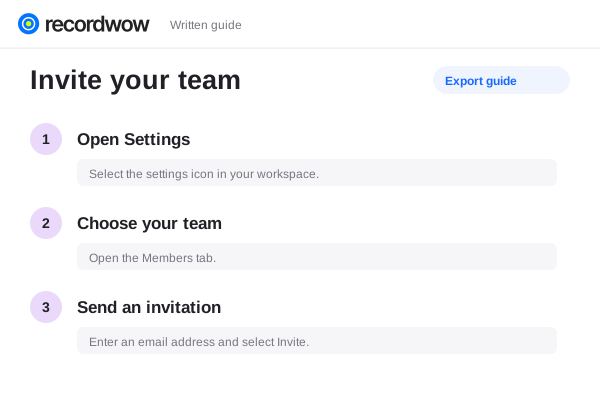
Use the Chrome companion to save a visible-page or full-page screenshot. You can also work with snapshots from a recording.
Full-page captures are capped at 20,000 CSS pixels. Check sticky headers and page content in the saved image.
Import the screenshot into a project and add editor annotations such as titles, arrows and highlights. The companion itself saves the capture.
Yes. Project steps can combine rendered screenshots and editable instructions, then export as HTML or Markdown.