Explain the brief
Walk through the audience, message and creative direction.

Give your campaign a shared story. Record the brief, review the creative and turn product knowledge into videos people can understand.
Free for life. No subscription.Launch campaignTeam workspace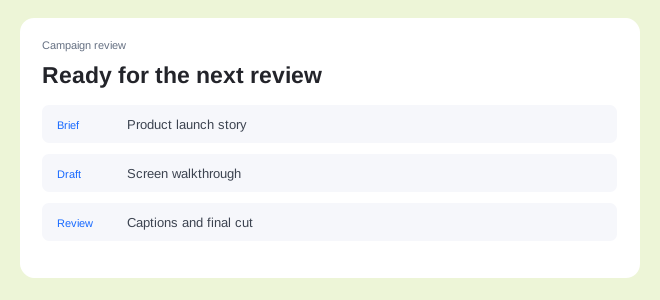 Launch campaign00:48
Keep the explanation, feedback and final assets connected. Give everyone the context to do their part.
Walk through the audience, message and creative direction.
Keep comments tied to the moment in the video.
Export videos and guides for your channels.
Walk your team through the launch plan, assets and message. Give people a recording they can revisit instead of repeating the brief.
Launch campaignTeam workspaceLaunch campaign00:48Use a shared recording to discuss the draft. Reply to questions and resolve a thread when the work is ready.
Shared with your teamTeam access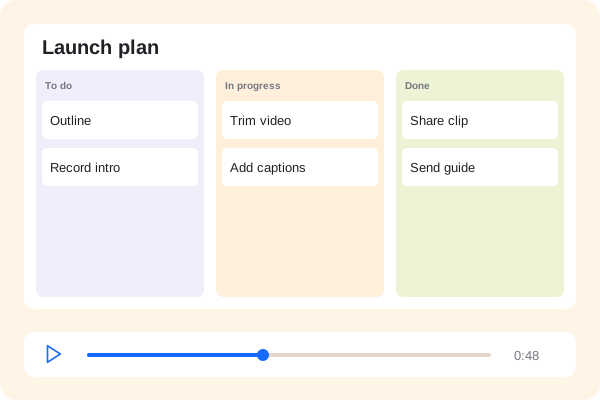 Product walkthrough00:48
Adjust the recording, add captions and apply your brand. Choose a video shape and export the assets for your publishing workflow.
Make it yoursPreview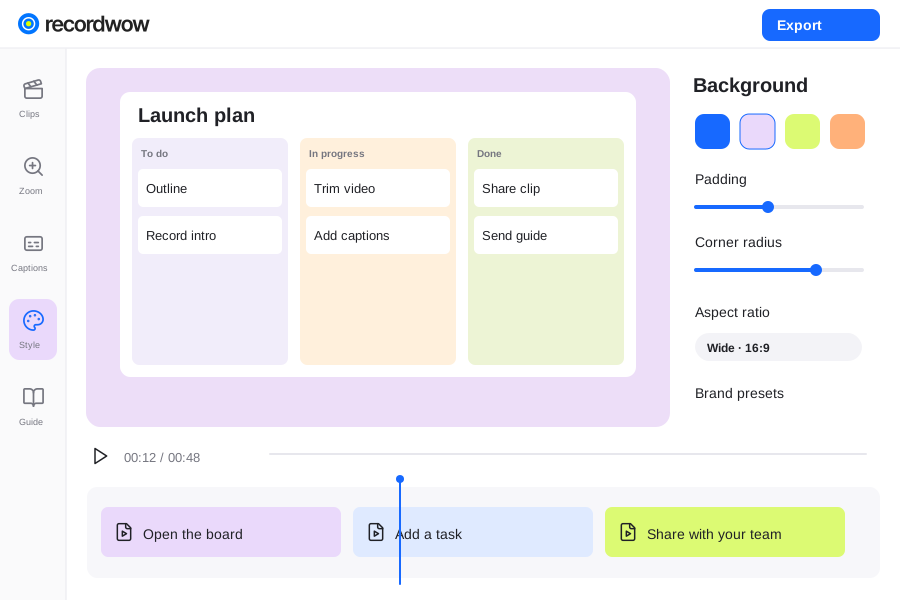
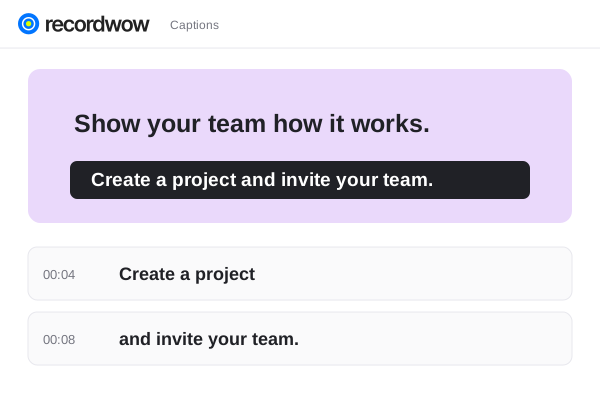
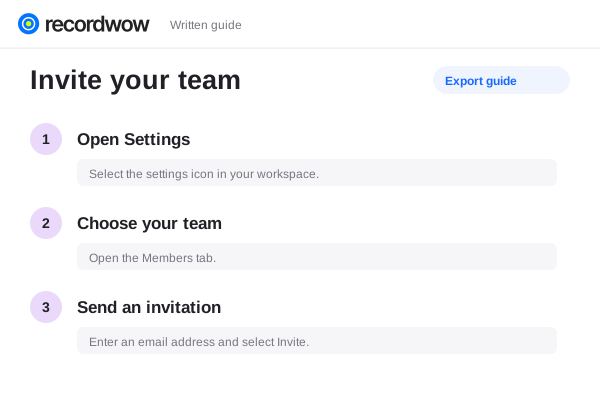
Share with selected existing workspace accounts and enable discussion. Team members can leave comments, replies and reactions.
You can prepare landscape, portrait and square outputs. Review the composition for the channel before publishing.
Export the finished assets and use your existing publishing tools. Social scheduling is not part of this workflow.