Teach it on screen.
Screen and camera recording.

Record product explainers, software walkthroughs and lessons for your channel. Bring your screen and camera together, then edit the story before you upload.
Free for life. No subscription.Make it yoursPreview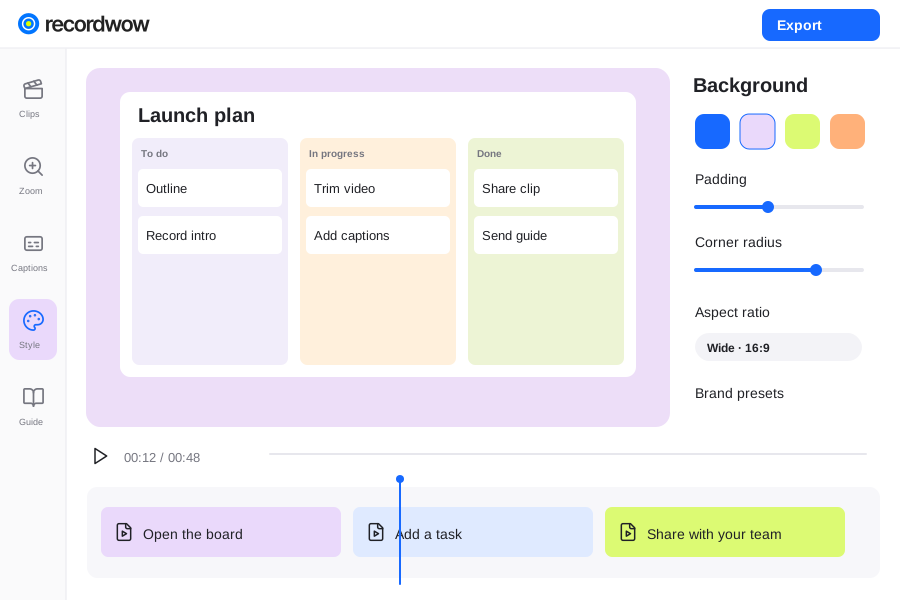
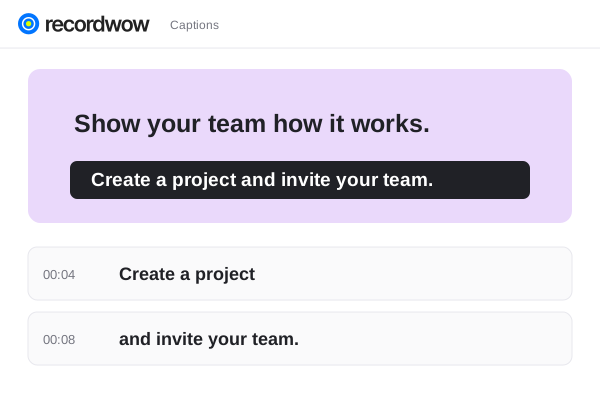
Record product explainers, software walkthroughs and lessons for your channel. Bring your screen and camera together, then edit the story before you upload.
Screen and camera recording.
Trim, split and reorder.
Step-by-step instructions.
Walk through the product while you explain what you are doing. Keep the useful context in the recording so your audience can follow along.
Ready when you arePreview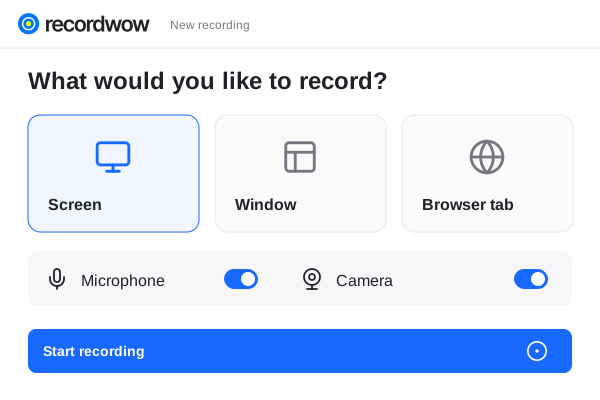 Product walkthroughProject presentationYour complete workspace
Trim the setup, add captions and bring attention to the important moment. Apply a consistent style to your walkthroughs.
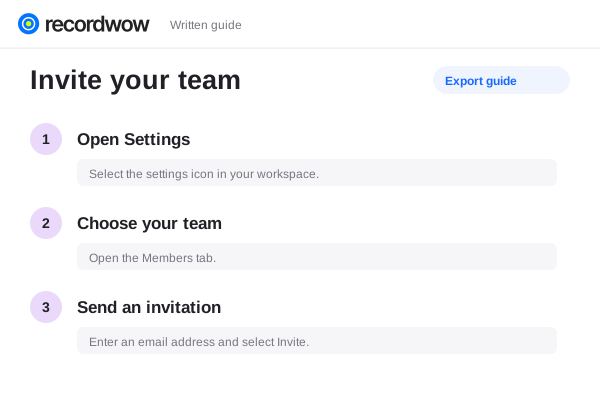
Make it yoursPreviewTurn your project into written instructions to accompany the episode. Share the guide through your own site or community.
The steps, kept togetherPreviewExport your finished video and upload it through YouTube. Recordwow does not publish directly to your channel.
Choose a portrait output and review the composition. You can also prepare landscape and square versions.
Yes. Export a 4K MP4, with final detail depending on your source recording.