Do it once. Explain it clearly.
Record your screen and voice.

Make a walkthrough people can replay and instructions they can follow. Create your tutorial video and written guide from the same project.
Free for life. No subscription.The steps, kept togetherPreview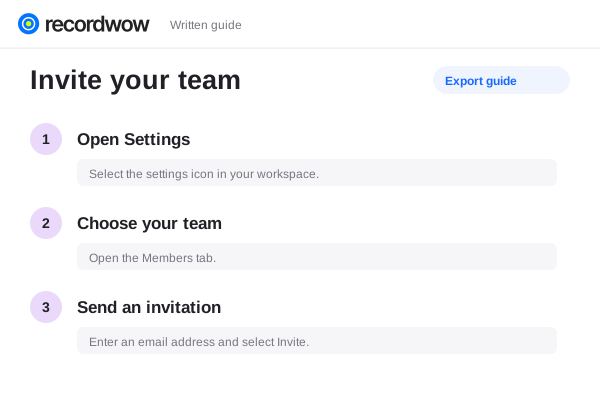
Make a walkthrough people can replay and instructions they can follow. Create your tutorial video and written guide from the same project.
Record your screen and voice.
Editable step instructions.
Replace an individual step.
Record the real process while you describe each action. Keep the tutorial focused on what the viewer needs to accomplish.
Ready when you arePreview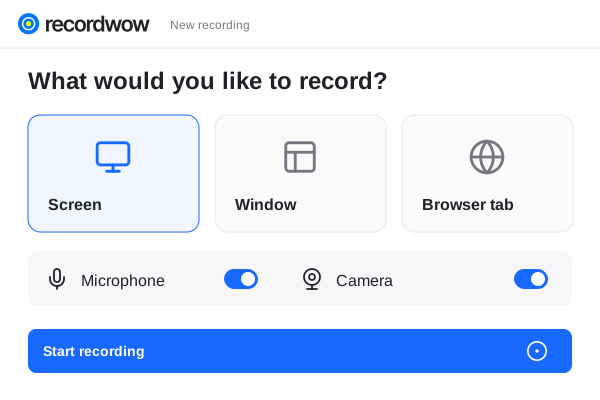 Product walkthroughProject presentationYour complete workspace
Give your audience a choice. Keep written instructions and rendered screenshots with the same source as the video.
The steps, kept togetherPreviewReplace the part of the tutorial that is out of date. Review the edited video and guide before sharing the new version.
Make it yoursPreview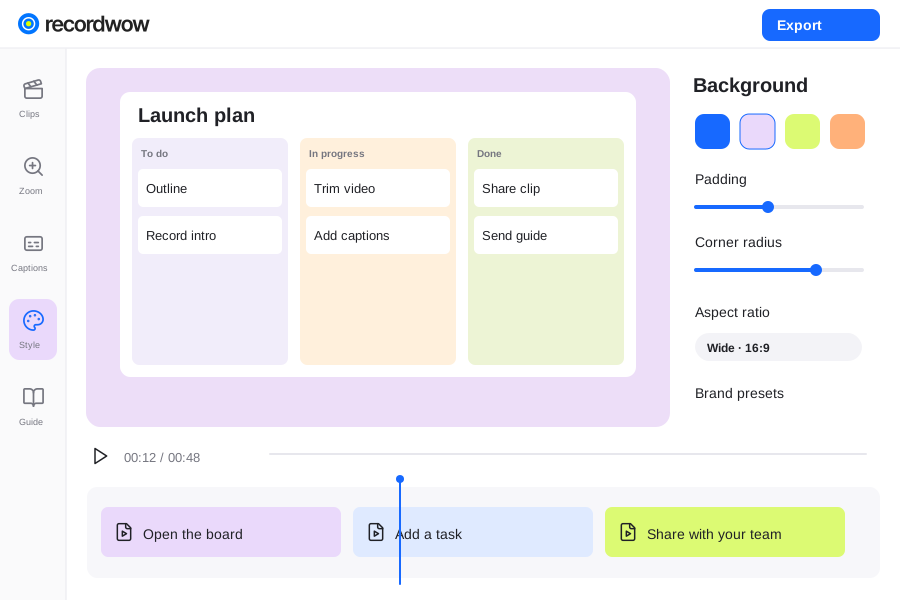
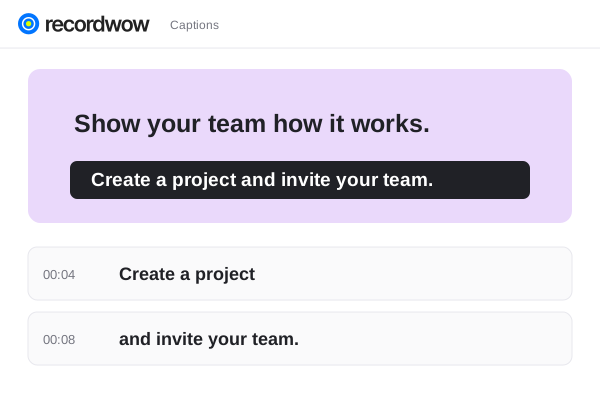
Video and guide exports use the same saved project. Review the wording after changing a step to make sure the instructions still match.
Yes. Import a supported video, organize the steps and edit the instructions.
Yes. Download the HTML or Markdown guide and use it in your own documentation workflow.