Explain the direction
Walk through the roadmap and the reasons behind it.

Bring the team into the problem, the decision and the next step. Use video to explain the roadmap and keep feedback close to the work.
Free for life. No subscription.Product roadmapTeam workspace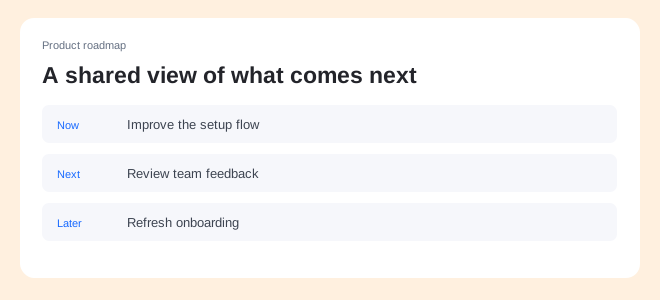 Product roadmap00:48
A recorded walkthrough helps people understand the tradeoffs before they respond. Keep the explanation available across time zones.
Walk through the roadmap and the reasons behind it.
Collect feedback on a prototype or proposed flow.
Turn key workflows into reusable product guides.
Explain what the team is building, who it helps and what comes next. Give everyone a shared reference for the decisions ahead.
Product roadmapTeam workspaceProduct roadmap00:48Use an imported transcript or connected meeting assistant to create editable notes. Review the action items and bring the useful context into your next update.
Meeting notesExample Launch review Recording
Publish the walkthrough on Friday.
NEXT STEPSSam · 02:14
Let’s keep the product demo under two minutes.
Alex · 02:28
I’ll review the captions before Friday.
Collect comments on a recorded flow, discuss the detail and resolve the thread. Keep the feedback at the moment that explains it.
Shared with your teamTeam access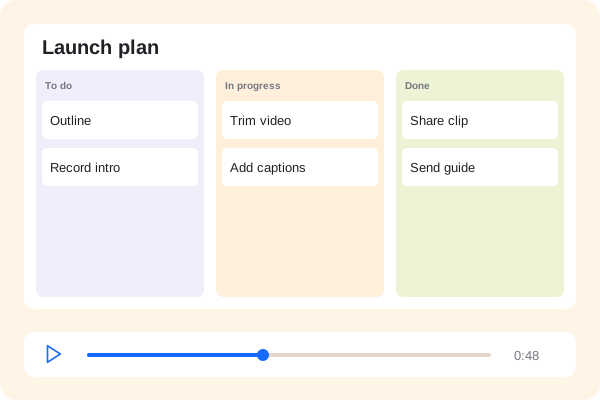 Product walkthrough00:48
Yes. Record the update and share it with your team so people can watch and respond when they are ready.
Recordwow adds the explanation around your roadmap. Record the tools your team already uses and share the context.
Import a transcript or configure a connected meeting assistant. Review the draft notes before distributing them.